Product Image Forge
Every cable in your catalog, photographed from its spec.
Product Image Forge builds each cable from its construction (conductors, insulation, shields, fillers and jacket), renders a studio-quality product image of it, and puts the picture on the right product page. No samples to cut, no studio to book, and no picture that shows the wrong cable.
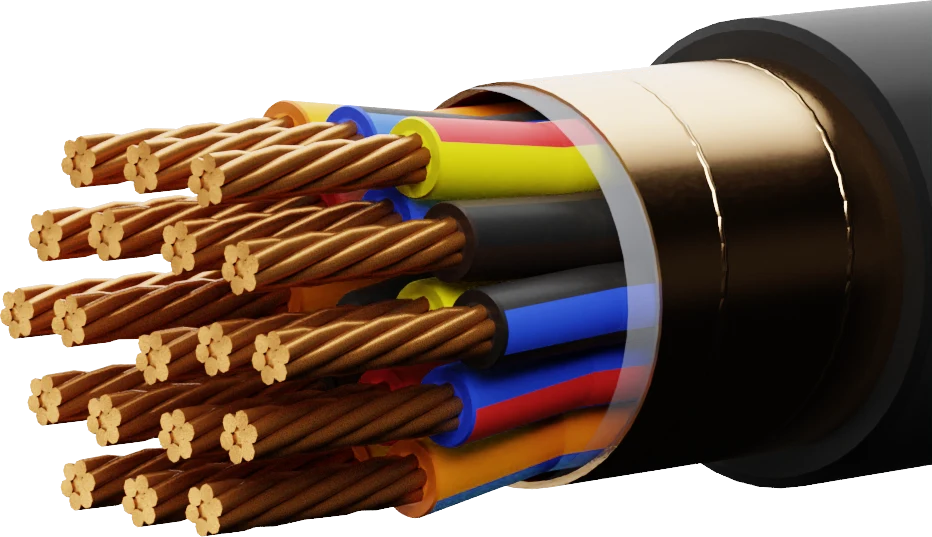
Rendered from the cable’s construction, not photographed
Straight out of Image Forge.
Catalog images for eight demo products, exactly as rendered: same camera, same light, same white background, so the whole catalog looks like one shoot.
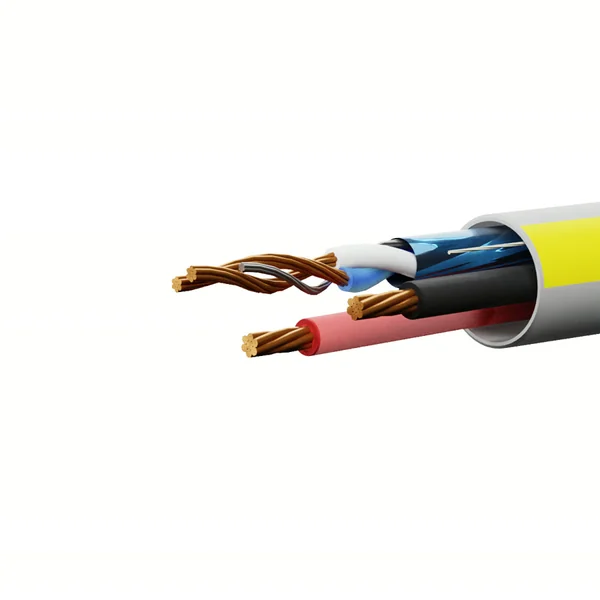
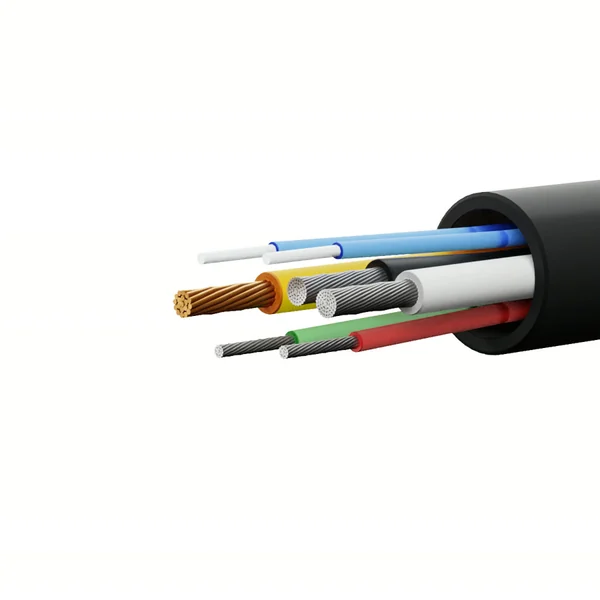
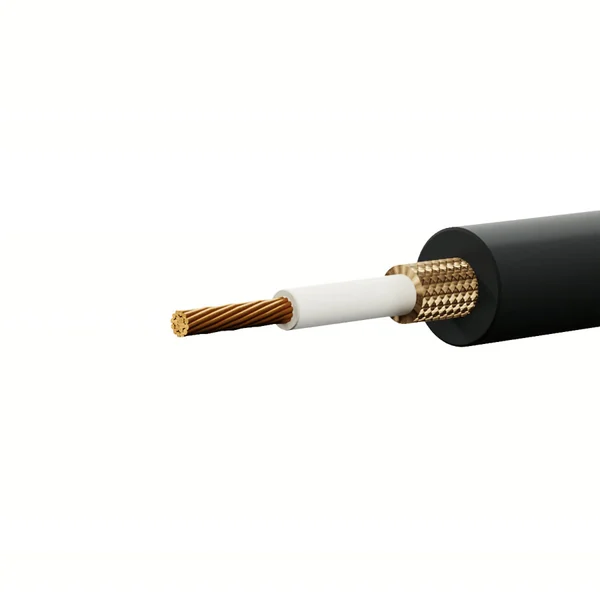
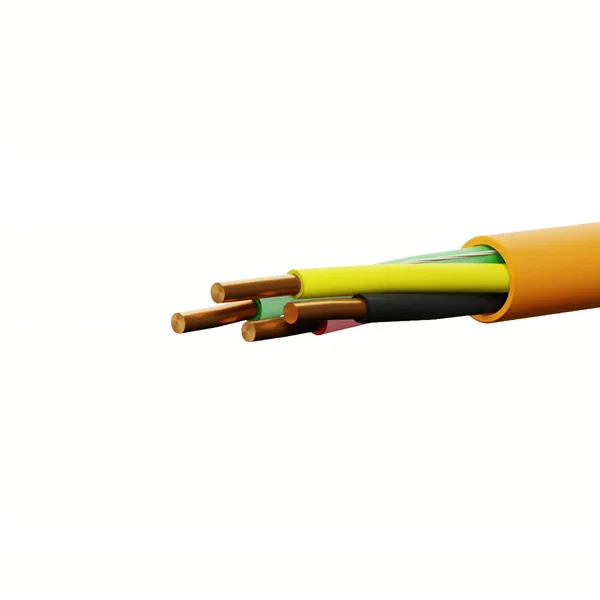
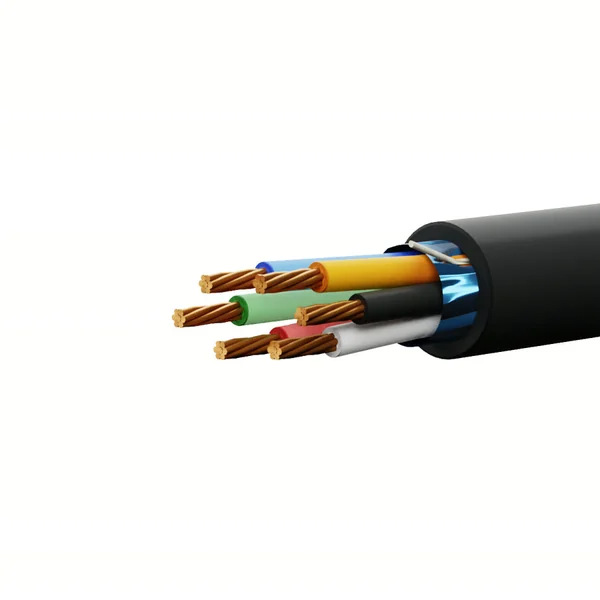
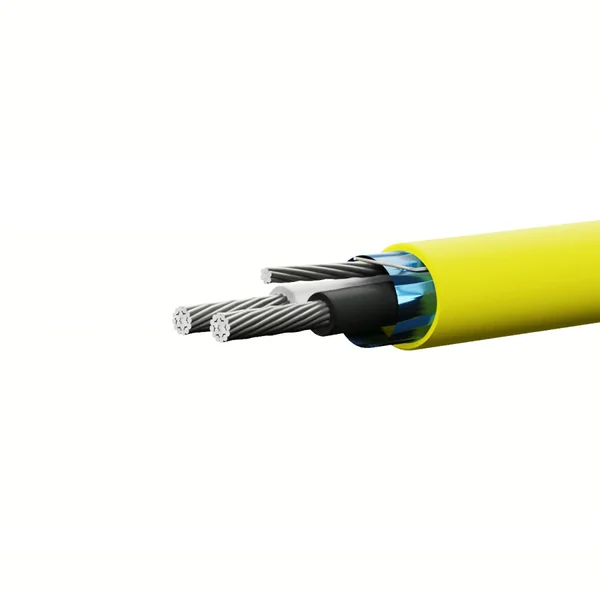
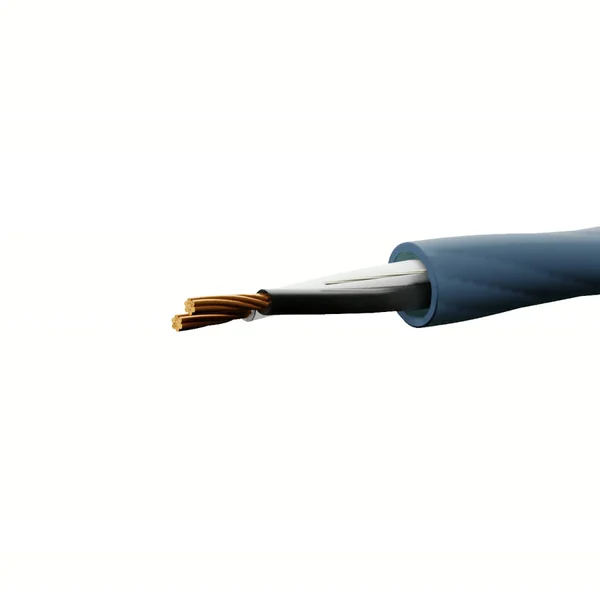
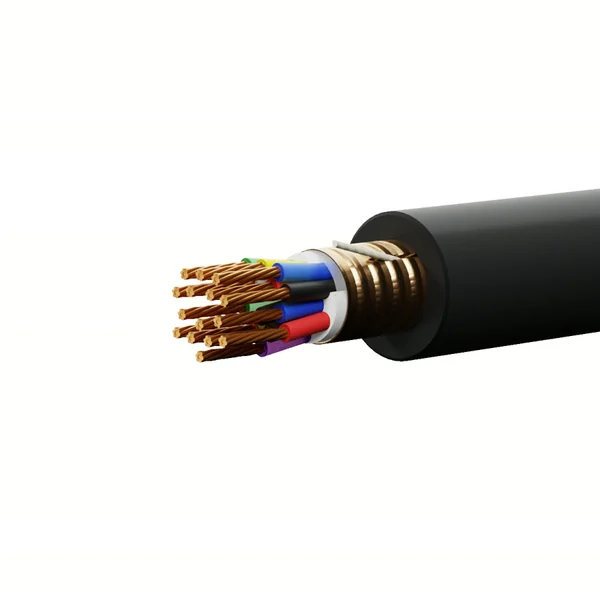
Wire and cable catalogs are thousands of products that all look alike, and most of them have no picture.
Photographing every gauge, conductor count and jacket color was never realistic. So most catalogs make do.
-
Photo shoots don’t scale
Cutting, stripping, lighting and retouching a sample takes hours per product. Multiply that by every gauge, conductor count and jacket color.
-
Stock photos show the wrong cable
One “representative” image across a family means a 4-conductor listing showing 6 conductors. Engineers notice, and so do returns.
-
New products wait for pictures
A product can be sellable for weeks before anyone photographs it, and a product page without an image sells less.
From a description to a published image, without touching a camera.
AI helps draft the cable’s definition. The picture itself is rendered from the cable’s geometry, so it can’t invent a conductor.
-
Define the cable
Describe it in plain English, or point to the manufacturer’s spec sheet, and AI drafts the construction. You review the draft before anything is saved.
-
Model it to dimension
The construction becomes a dimensioned model: real gauges, strand counts, insulation walls and lay, checked for how the conductors pack inside the jacket.
-
Shoot it in a virtual studio
A photorealistic renderer lights and photographs the model in your house style: camera angle, background and size, the same on every product.
-
Put it on the product page
Approve the image and push it to your store or PIM, or queue hundreds of SKUs and let the batch run on the server.
A catalog image is only the start.
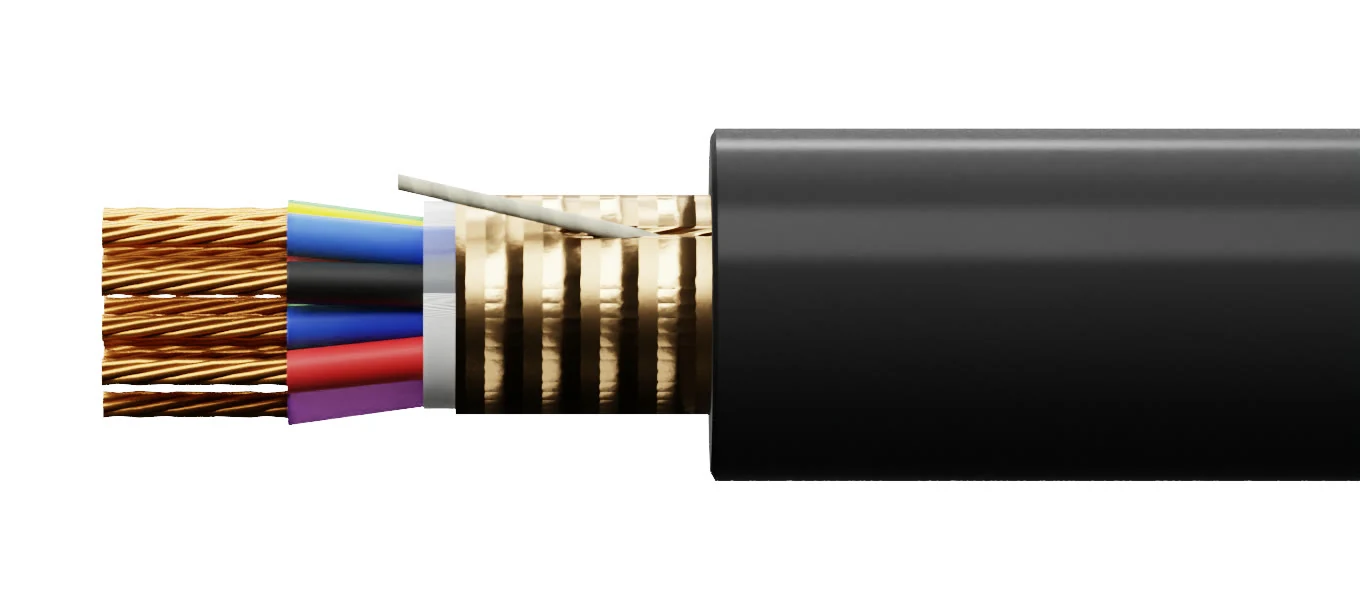
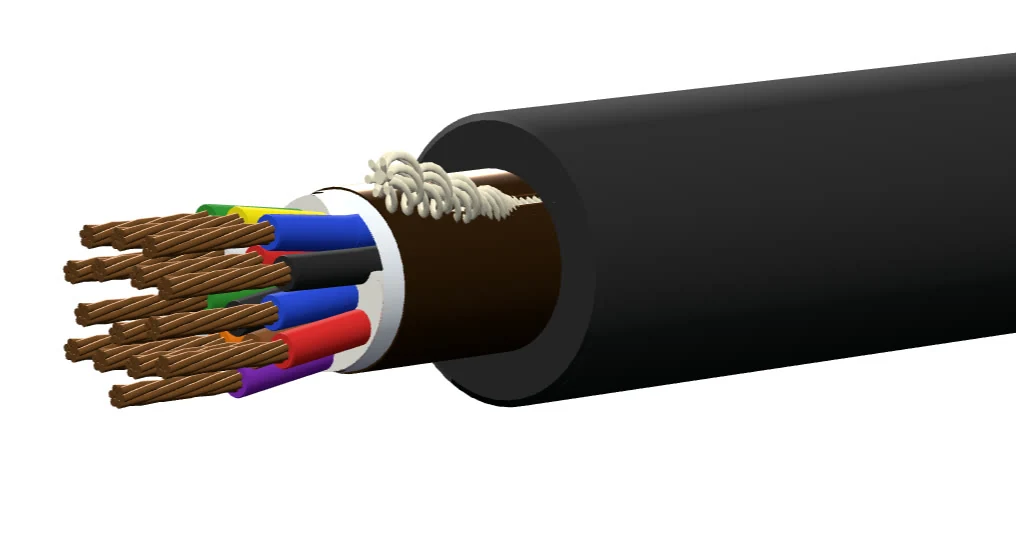
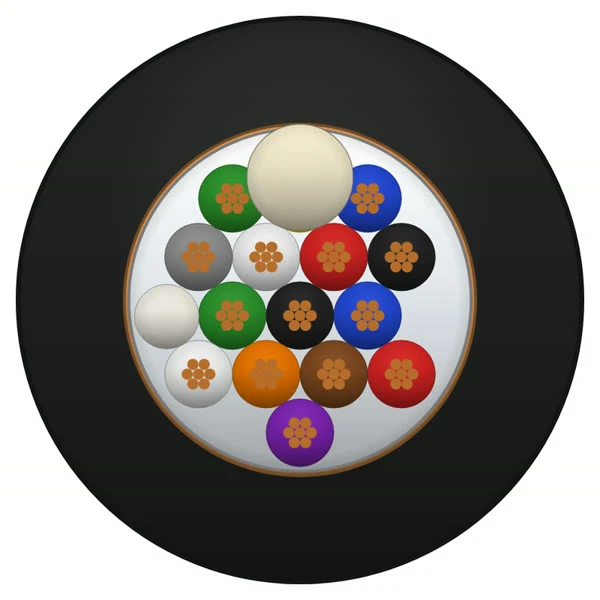
The cable is modeled, not photographed, so every view comes from the same construction and agrees with the spec. Here is one cable from the gallery, CGX-TC1615, three more ways.
See your whole catalog’s image coverage at once.
Every product with its image state: published to the site, generated and waiting for approval, on the site from elsewhere, or no image at all. Coverage is a number at the top of the page, so you can watch it climb.
- Batch Manager: tick the SKUs, press Run, and close the page. Batches run on the server, one product after another.
- Filter to the gaps: no image, unpublished, or flagged for review.
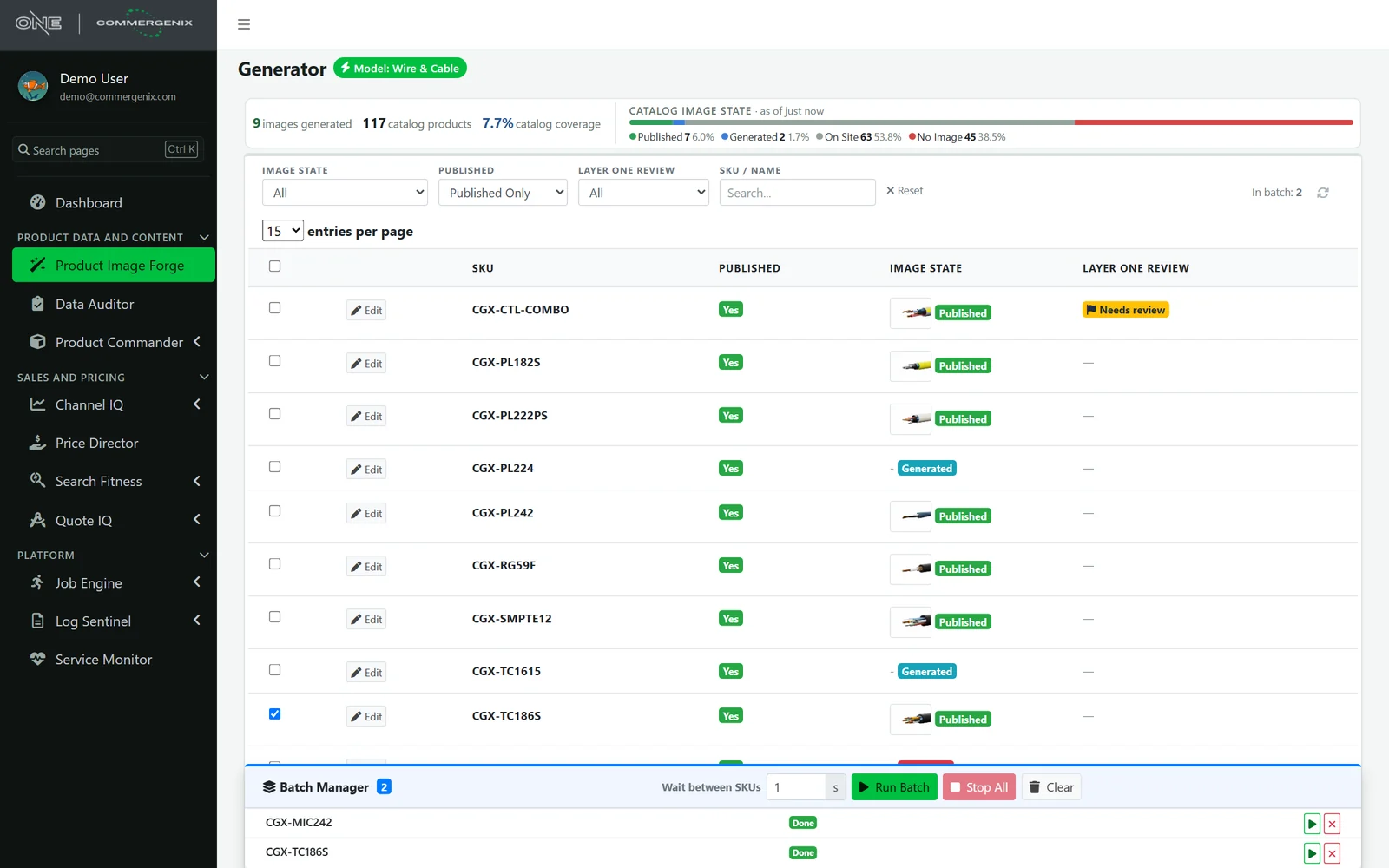
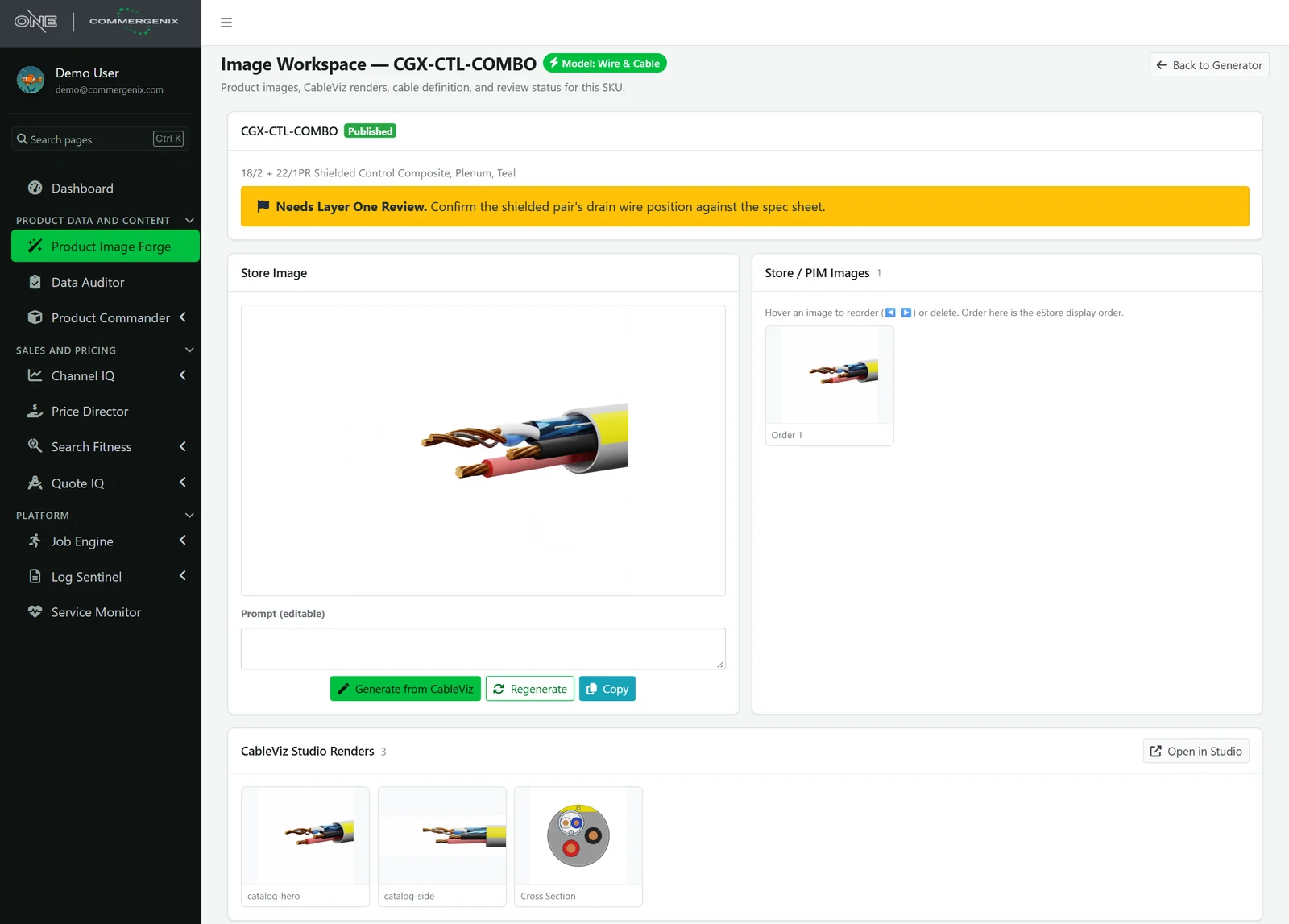
Everything about one product’s pictures, on one page.
The image on the store, the images in your store or PIM in display order, every render made for the product, and the cable’s definition. Generate, approve and push from here, and reorder or remove what’s on the store.
- Version history: earlier images stay one click away.
- Review flags: flag a product for Layer One to review, with a note such as “confirm the drain wire position against the spec sheet”, and it shows on the list until it’s cleared.
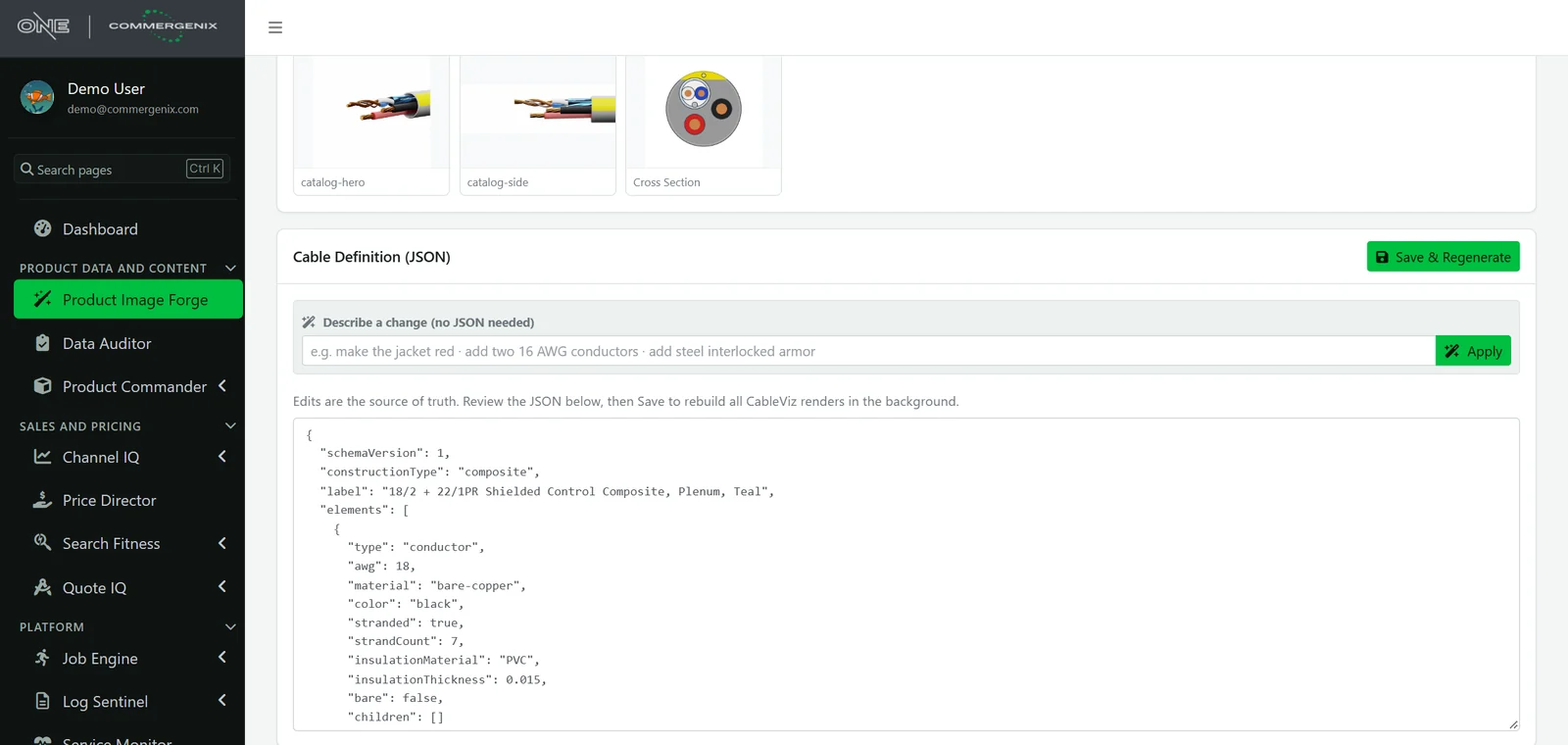
Change the cable by saying what’s different.
“Make the jacket red.” “Add two 16 AWG conductors.” “Add steel interlocked armor.” AI rewrites the definition, you look it over, and Save rebuilds every render in the background. People who know cable don’t need to know JSON.
- Nothing changes until you save: the AI’s edit is a draft you review first.
- One edit, every view: the catalog image, side view, 3D model and cross-section all update together.
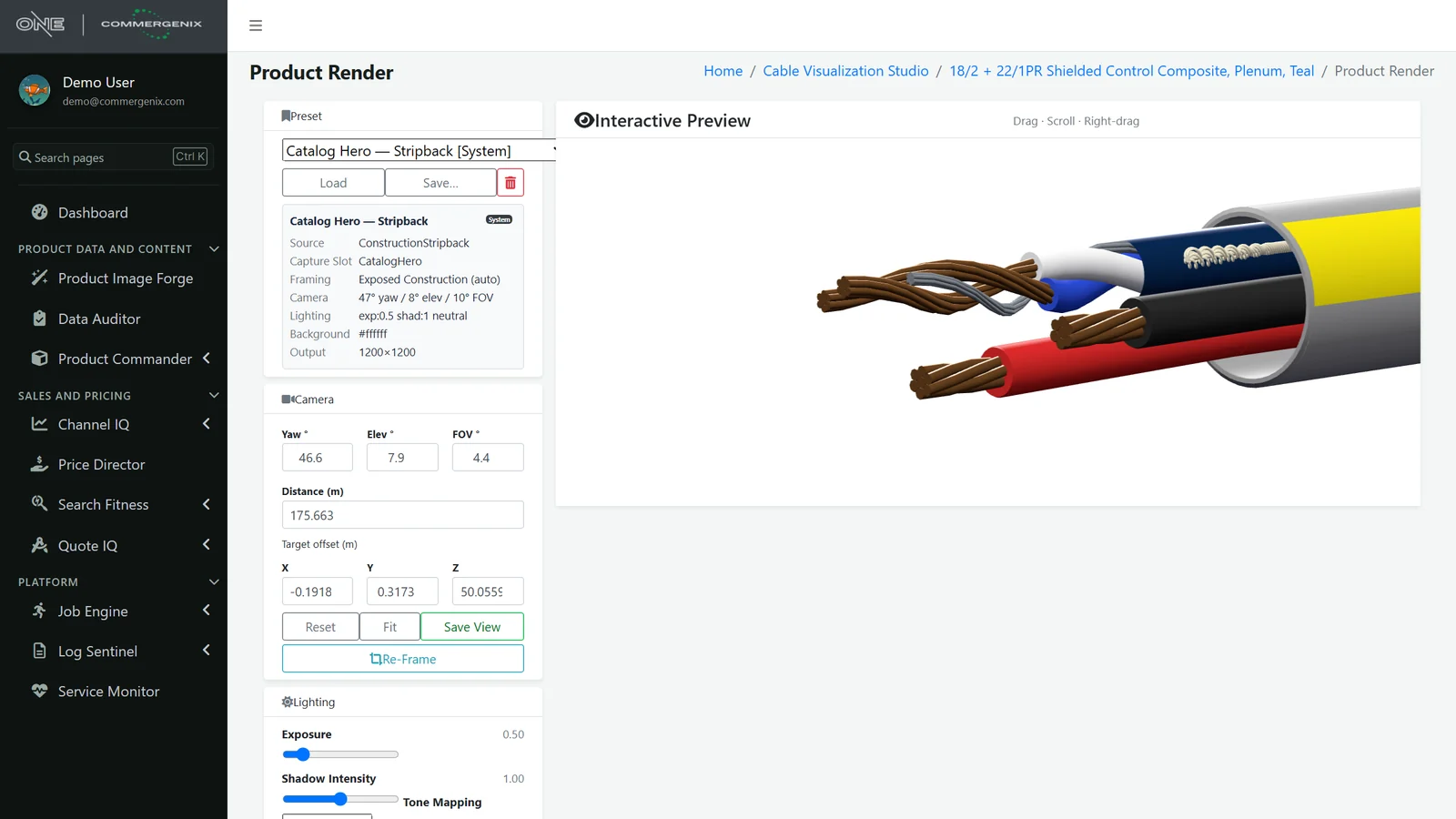
CableViz Studio, run by Layer One.
The renders come from CableViz Studio, a Layer One service that turns a cable’s construction into a dimensioned 3D model and photographs it. Layer One sets up your house style, runs the studio, and reviews any product you flag.
- Your house style as a preset: camera angle, framing, lighting, background and output size, the same on every product, months apart.
- Framing follows the cable, so a 2-conductor and a 15-conductor cable are both framed well.
- Every stage checked: definition, dimensional model, construction, cross-section, packing check, 3D model and renders, with warnings shown before an image goes live.
- 3D model included: the GLB file for configurators, AR and sales tools.
Pictures you can put in front of an engineer.
Built, not imagined
Images are rendered from the cable’s geometry. AI helps draft and edit the definition; it doesn’t paint the picture, so it can’t invent a conductor.
Physically checked
Each build checks how the conductors pack inside the jacket and reports warnings, so a construction that doesn’t add up is visible before its image goes live.
You approve what goes live
A generated image waits as Generated until someone approves it and pushes it to the store.
Consistent by default
Shared presets mean the same camera, light and background on every product, months apart.
Works with your store
Publishes to nopCommerce and to Akeneo PIM today, in the store’s own image order.
AI use you can see
AI steps are metered per company, so you see what drafting and editing cost.
For wire and cable companies with more products than pictures.
Manufacturers
Show every construction you make, including the variants that never got a photo, straight from your spec data.
Distributors
Give every SKU a picture that matches it, in one consistent style across your manufacturers’ lines.
eCommerce and marketing teams
Launch products with images on day one, and keep the whole catalog looking like one brand.
Common questions
Is this AI-generated imagery?
No. The picture is rendered from a 3D model built to the cable’s dimensions, the way a product designer would. AI is used to turn a description or spec sheet into the cable’s definition and to apply plain-English edits, and you review those before they’re saved.
What kinds of cable can it draw?
Single and multi-conductor cable, twisted pairs, shielded and unshielded constructions (foil, tape, braid, drain wires), coax, and hybrid copper-and-fiber cable such as SMPTE camera cable, with fillers, binders and ripcords.
Where do the images go?
To your store or PIM: nopCommerce and Akeneo today. You can also download any render, the cross-section as SVG, or the 3D model as GLB.
How long does a product take?
Minutes of render time, in the background. Queue a batch, leave the page, and come back to finished images.
What if a render is wrong?
Fix the definition, by editing it or describing the change, and save. Every view re-renders from the corrected cable. You can also flag any product for Layer One to review, with a note.
Works alongside
Every Commergenix module shares one sign-in, one job engine, and one set of integrations, so each one you add makes the others more useful.
Product Commander
Shows what’s missing across your catalog, including products with no image, and saves approved values to the system you sell from.
Learn more →Product Sources
Reads manufacturer catalogs and spec sheets for the values your products are missing, each with the page it came from, for a person to approve.
Learn more →Data Auditor
Checks every product in your PIM against your catalog rules each night, and shows what’s new, what’s fixed and what persists.
Learn more →Send us a few spec sheets. We’ll send back pictures.
Pick products that have no image today, or ones whose photos don’t match. We’ll render them in your style so you can see them on your own product pages.