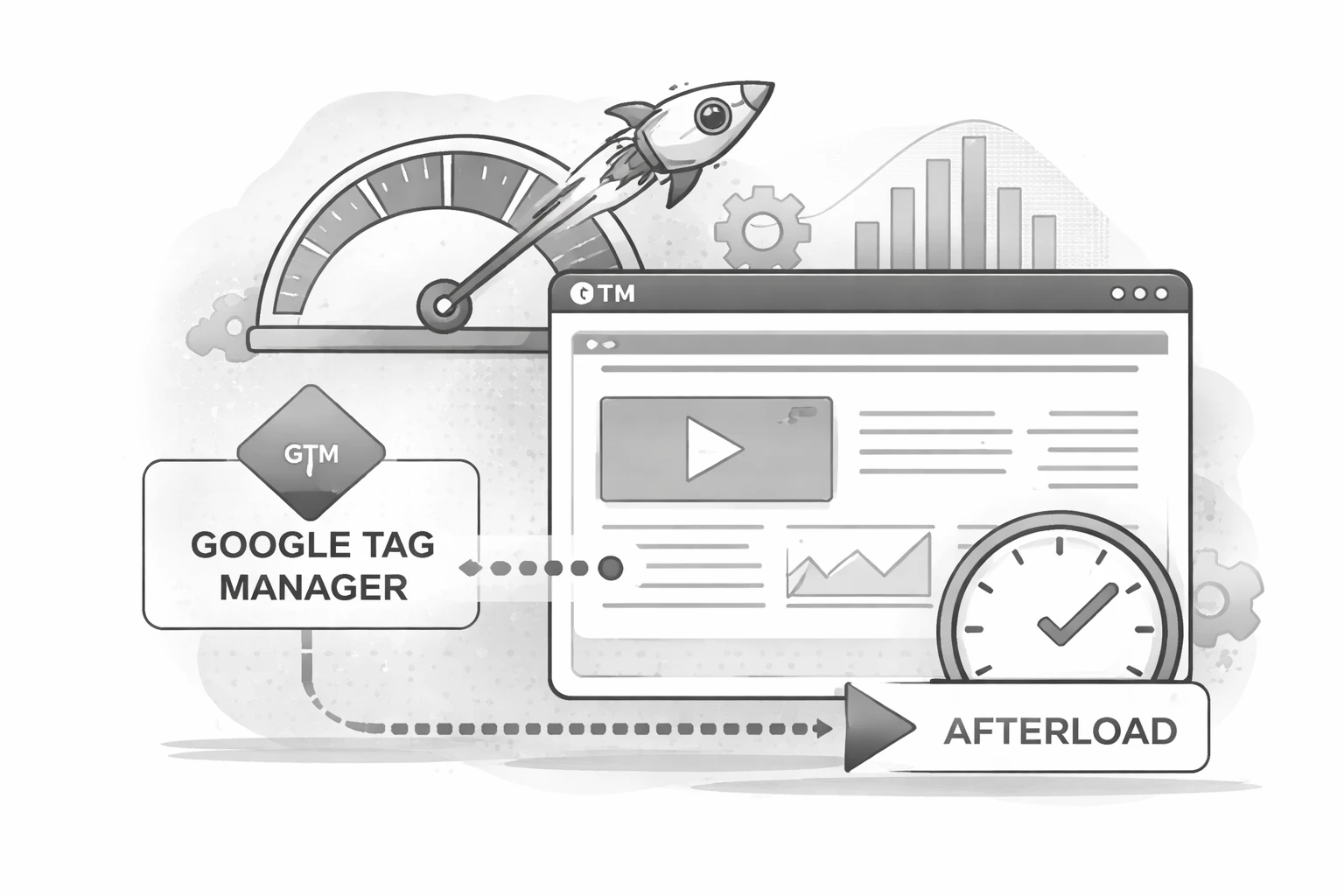
Page speed has a direct impact on engagement, conversion rates, and search performance. As teams add more analytics, marketing, and personalization tools, it becomes easy for third-party scripts to slow down the very experiences they are meant to improve. One of the simplest ways to reduce that impact is by implementing an afterload strategy in Google Tag Manager (GTM).
An afterload strategy allows non-critical tags to fire only after the page has fully loaded and the primary content is visible to users. This helps protect performance metrics such as Largest Contentful Paint and Time to Interactive while still preserving the data you need.
Although GTM itself loads asynchronously, the tags inside a container still require browser resources. When tags fire on Page View or DOM Ready, they compete with core scripts, images, and layout calculations during the most performance-sensitive phase of page load.
As more tags are added over time, this competition can lead to slower render times and degraded user experience. The solution is not to remove valuable tracking, but to be more intentional about when it executes.
An afterload mechanism delays non-essential tags until after the browser has completed the initial load. In practice, this means separating tags into two groups: those required immediately, such as core analytics, and those that can safely wait, such as remarketing pixels, chat tools, or secondary tracking.
A common approach is to create a Custom HTML tag in GTM that listens for the Window Loaded event and then pushes a custom event into the data layer after a short delay. This custom event, often named something like afterLoad, becomes the trigger for delayed tags.
Once configured, any non-critical tag can be attached to this custom trigger instead of firing during the initial page load sequence.
By deferring non-essential scripts, you reduce the amount of work the browser must do while rendering the page. This leads to faster perceived load times, improved Core Web Vitals, and a smoother experience for users. The browser still loads your marketing and analytics tools, just at a moment when they are less disruptive.
This approach is especially effective for sites with complex tag stacks or frequent experimentation. It provides performance gains without requiring major architectural changes.
<script>
  (function() {
   var LOAD_DELAY = 1500;
   try {
     window.setTimeout(
       function(){
       dataLayer.push({'event' : 'afterLoad'});
      }, LOAD_DELAY );
    } catch (err) {}
  })();
</script>
An afterload strategy is not a one-size-fits-all solution, and it should be implemented thoughtfully. Teams should validate that delayed tags still capture the data they need and test across devices and browsers. When done correctly, however, it is one of the highest-impact optimizations available inside Google Tag Manager.
Improving page speed does not require sacrificing insight. With an afterload strategy, you can prioritize user experience first while maintaining the measurement and marketing capabilities your business depends on.